Software

Excel Cowork

Submitted by admin on
1.0
Video file

Excel Cowork — Excel AI Agent Inside Excel

Turn plain-language instructions into real Excel changes — read, plan, apply and verify, all inside a task pane.

Talk to your spreadsheet Type "highlight rows where sales dropped more than 20%" or "make D3:K21 a clean bordered table" — the assistant figures out the cells and does it.
See before you trust Every edit is verified visually: a range image is captured before and after, so you confirm the result matches what you asked.
One pane, three engines Bring your own AI backend — opencode, Claude Code, or Codex — and switch anytime.

Why you'll like it

  • Paste a picture, get that exact look. Copy a screenshot or mock-up into the chat and ask the assistant to match the sheet to the image.
  • Rich, readable chat. Markdown answers, collapsible reasoning, live tool/todo status, and a status bar showing what the agent is doing right now.
  • Clean licensing. 7-day free trial, then a simple one-time license. No subscription, no hidden fees.

Key features

FeatureWhat it does
Natural-language editingDescribe the change; the add-in reads/writes the live sheet via a local MCP server.
Visual confirmationCompares range screenshots before and after every edit.
Multi-backendopencode / Claude Code / Codex, selectable in the panel.
Image referencePaste a screenshot and ask to match it.
Formatting engineFonts, fill, borders, alignment, number format, column width, row height, and more.
Batch actionsApply many changes in one command via execute_actions.
UndoStep back through the add-in's own snapshot stack.
PrivacyYour data stays local; the AI runs through your own CLI tools.

How it works

  1. Select a range in Excel.
  2. Type what you want in plain English (or paste an image reference).
  3. The assistant reads the sheet, applies the change, then re-checks visually.
  4. You review the before/after in the chat and undo if you like.

Delphi Code

Submitted by Anonymous (not verified) on
1.0
Video file
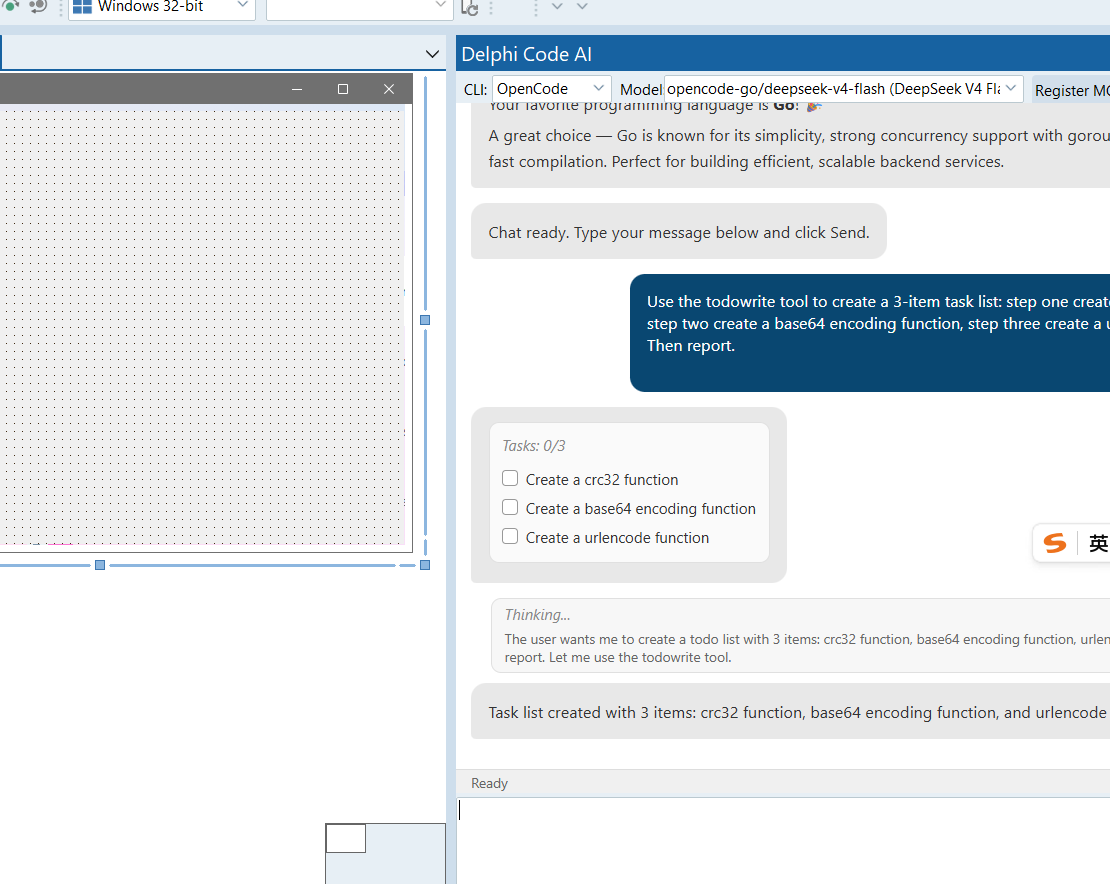
Todo list
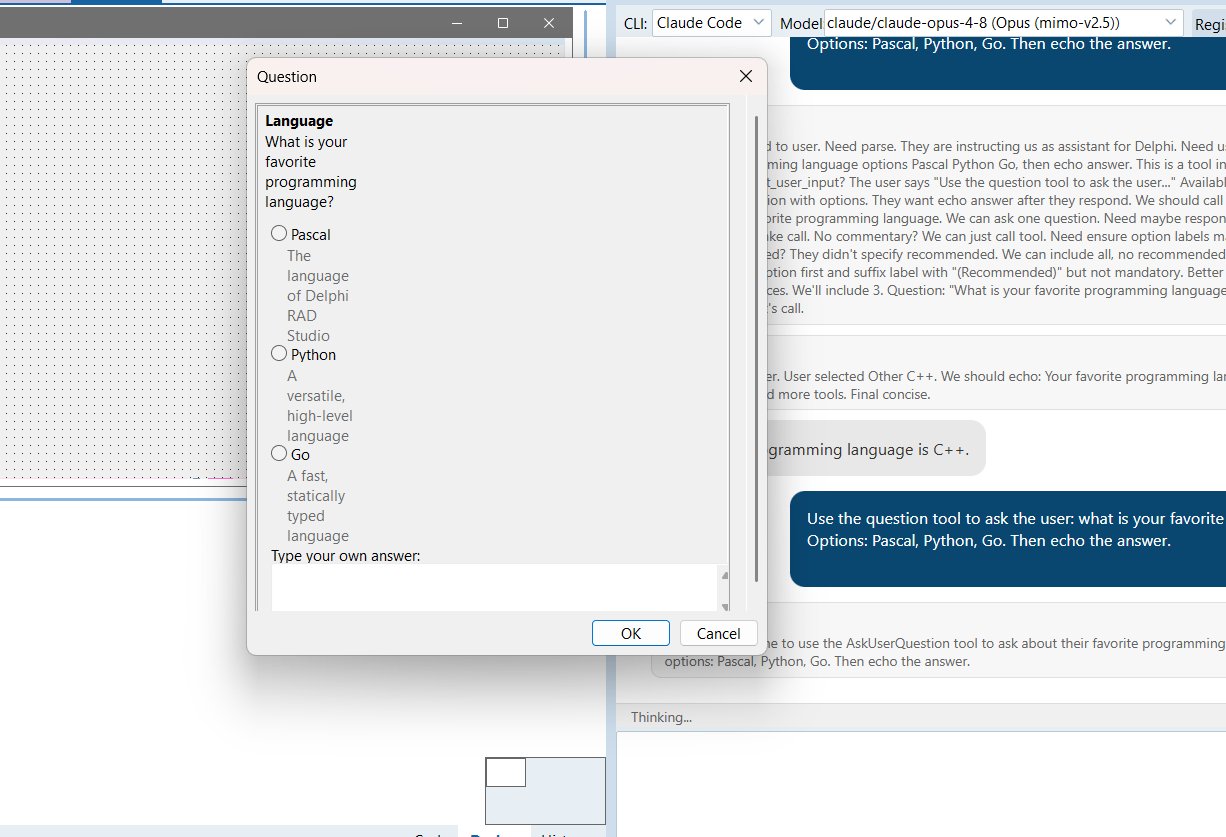
Question

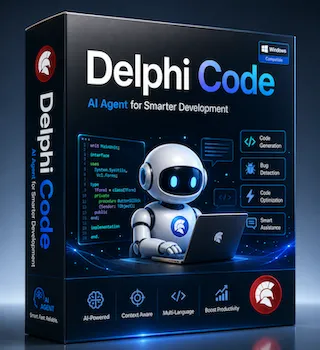
DelphiCode — AI-Powered Development for Delphi

DelphiCode is an AI development assistant integrated into the Delphi IDE. It connects your IDE to the most widely used agent harnesses — OpenCode, Claude Code, and Codex — so the AI can read, edit, and build your Delphi projects directly inside the IDE.


Works With the Agents You Already Use

DelphiCode supports the three most widely adopted agent harnesses today:

  • OpenCode
  • Claude Code
  • Codex

All three are supported out of the box — register once, and switch between them anytime. More agent harnesses will be added in future releases, so you keep choosing the tools you trust and DelphiCode keeps them working with your IDE.


A Chat Panel That Understands Your Project

The in-IDE chat panel gives the AI real access to your work:

  • Streaming responses — see the answer appear live, and cancel at any time
  • Thinking blocks — each step of the model's reasoning is shown in a collapsible section, so you can follow how it arrived at the answer
  • Diff view with syntax highlighting — every file change is shown as a clear before/after diff with proper syntax highlighting, so you always know exactly what the AI modified
  • @file reference — type @ and pick any file in your project; it is expanded to its full path so the AI works with the right source
  • Paste screenshots — paste design mockups or screenshots as reference images, attach several, preview them, and let the AI work from what you see
  • Persistent history — conversations survive closing and reopening the panel

The AI Operates the IDE, Not Just the Code

DelphiCode lets the agent work with the IDE's own state, not against stale files on disk:

  • Read what the IDE actually has — including changes you haven't saved yet
  • Edit project files through the IDE — the editor view, undo history, and saved file stay in sync
  • Add components and set their properties — TButton, TEdit, and any VCL component, placed on the form designer
  • Create new forms with complete unit templates
  • Compile your project and get every error back — file, line, and message, so the AI can fix the code and re-verify until the build passes
  • See the form as you see it — capture the current designer state as an image so the AI can match the UI to your design

This closes the loop: paste a screenshot → the AI looks at your current form → adds components and sets properties → compiles → checks the result → iterates until it matches your design.


Supported Environments

  • Delphi / C++Builder — a dedicated build for each major IDE version, from Delphi 10 through the latest release; both 32-bit and 64-bit IDEs are supported
  • Agent harnesses — OpenCode, Claude Code, Codex

Why DelphiCode

  • Bring your own agent — no proprietary cloud, no lock-in; use the harness you already trust
  • The AI works inside your IDE, not beside it — it reads real editor state, edits through the IDE, places components, compiles, and verifies
  • See everything it changes — clean diff views, syntax highlighting, and visible reasoning at every step
  • Respects your workflow — per-user install, no admin rights, easy uninstall

Pricing

  • $29 per year subscription — less than a dollar a week for a full year of AI-assisted Delphi development
  • No token plans, no metering — you never buy usage, tokens, or credits; your existing agent harness and its own API keys (if any) are all you use
  • No hidden fees — one flat annual subscription unlocks the entire wizard, on every Delphi version you run

DelphiCode is the AI development assistant for developers who want their agent to build Delphi software with the IDE, not around it.

Delphi Code 1.0
29.00