1.0
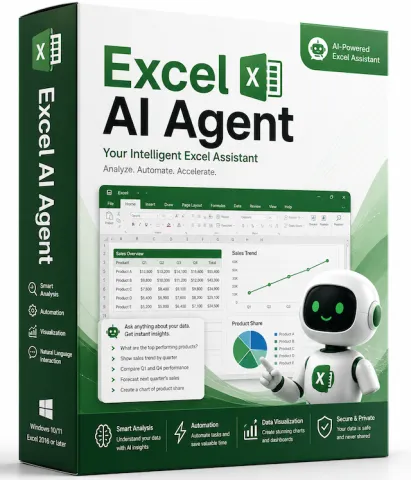
Excel AI Agent — Excel AI Agent Inside Excel
Turn plain-language instructions into real Excel changes — read, plan, apply and verify, all inside a task pane.
Talk to your spreadsheet Type "highlight rows where sales dropped more than 20%" or "make D3:K21 a clean bordered table" — the assistant figures out the cells and does it.
See before you trust Every edit is verified visually: a range image is captured before and after, so you confirm the result matches what you asked.
One pane, three engines Bring your own AI backend — opencode, Claude Code, or Codex — and switch anytime.
Why you'll like it
- Paste a picture, get that exact look. Copy a screenshot or mock-up into the chat and ask the assistant to match the sheet to the image.
- Rich, readable chat. Markdown answers, collapsible reasoning, live tool/todo status, and a status bar showing what the agent is doing right now.
- Clean licensing. 7-day free trial, then a simple one-time license. No subscription, no hidden fees.
Key features
| Feature | What it does |
|---|---|
| Natural-language editing | Describe the change; the add-in reads/writes the live sheet via a local MCP server. |
| Visual confirmation | Compares range screenshots before and after every edit. |
| Multi-backend | opencode / Claude Code / Codex, selectable in the panel. |
| Image reference | Paste a screenshot and ask to match it. |
| Formatting engine | Fonts, fill, borders, alignment, number format, column width, row height, and more. |
| Batch actions | Apply many changes in one command via execute_actions. |
| Undo | Step back through the add-in's own snapshot stack. |
| Privacy | Your data stays local; the AI runs through your own CLI tools. |
How it works
- Select a range in Excel.
- Type what you want in plain English (or paste an image reference).
- The assistant reads the sheet, applies the change, then re-checks visually.
- You review the before/after in the chat and undo if you like.